
OCEANMAIL / RESELLER GUIDE
Configure WHMCS products
Connect a product, mailbox quantity and domain selection.
1. Create each product
New reseller services use only per-mailbox account types enabled by the agreement. Each type is a separate WHMCS product.
- Open Configuration → System Settings → Products/Services → Create a New Product.
- Choose a group, name and type and create a recurring product, for example Business Mail 5 GB.
- Repeat for each enabled account type, such as 5 GB, 10 GB and 25 GB.
WHMCS retail pricing is separate from the wholesale rate in your OceanMail agreement.
2. Module Settings
First verify the connection under Addons → OceanMail.
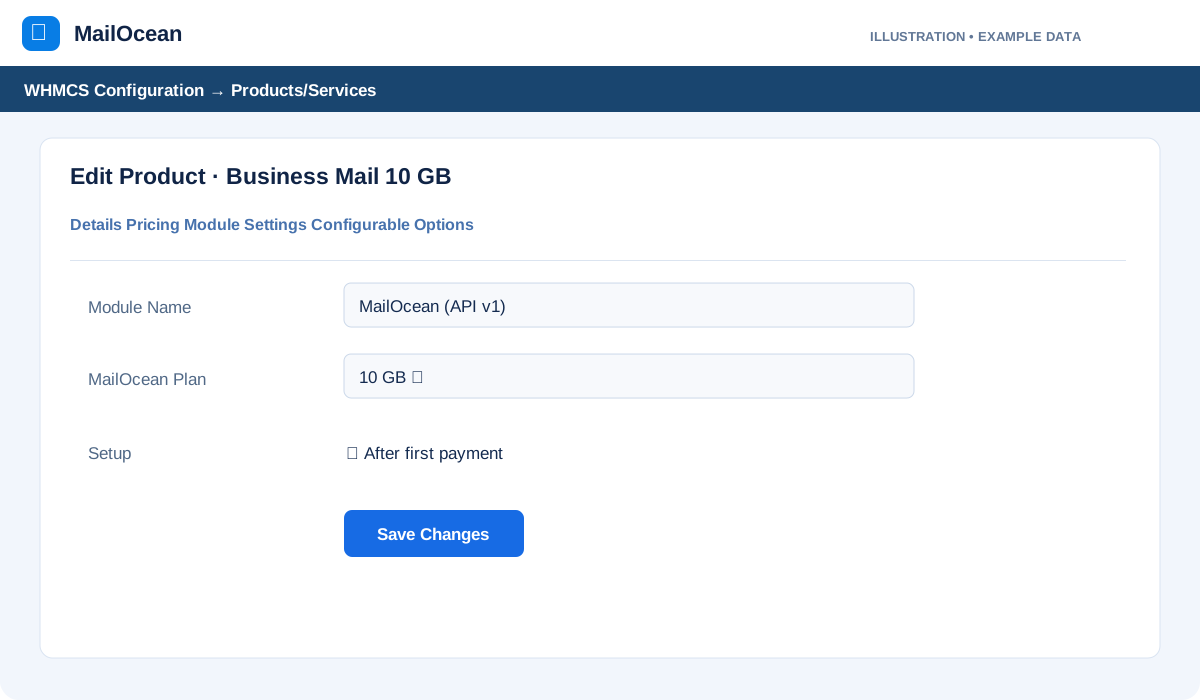
- Edit the product and open its Module Settings tab.
- Choose OceanMail (API v1) as Module Name and select the matching account type under OceanMail Plan.
- Choose an automatic setup trigger, such as after the first payment, and save.
If the plan list is empty, check the API connection and enabled account types in the agreement.
3. Manually create Configurable Options
The module does not create these groups automatically. Create one for each product to define mailbox quantity and retail price.
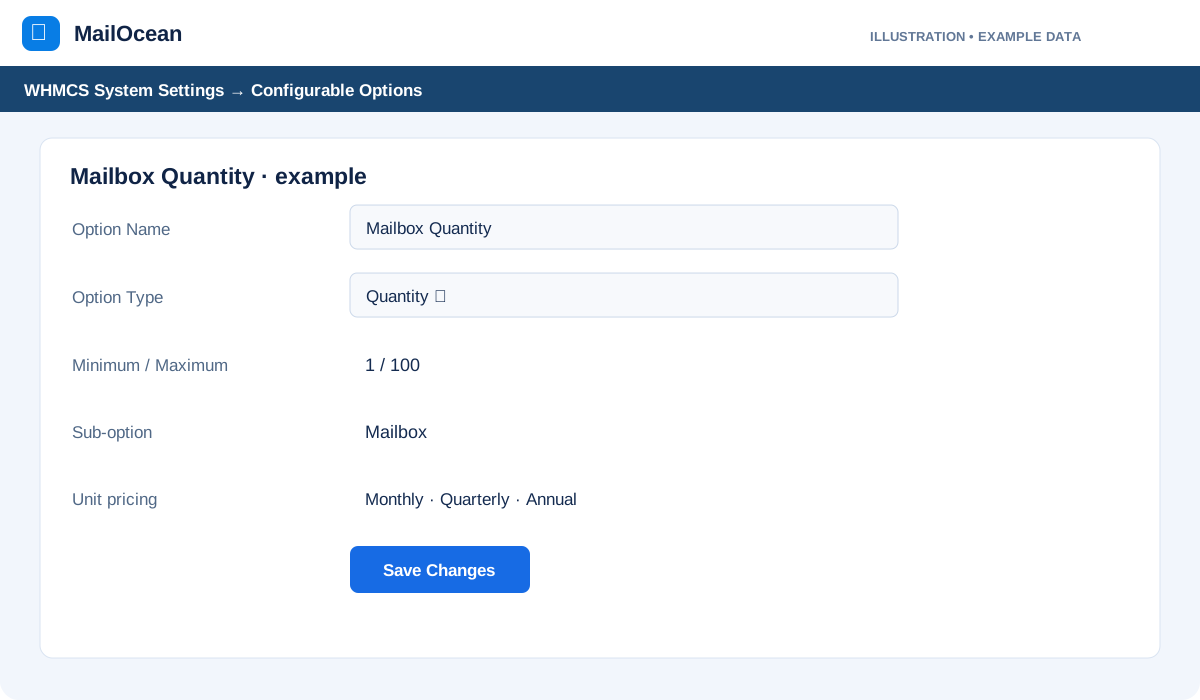
- Open System Settings → Configurable Options → Create a New Group, name it, select the product under Assigned Products and save.
- Choose Add New Configurable Option. Set the Option Name to exactly Mailbox Quantity and Option Type to Quantity.
- Set the minimum to 1 and the maximum to the quantity you intend to sell; the module’s technical maximum is 5600.
- Add one sub-option and enter the per-mailbox retail prices for each currency and monthly, quarterly, semiannual and annual cycle.
- Check that the correct group is assigned on the product’s Configurable Options tab.
If the quantity option holds the full unit price, set the product base recurring price to zero to avoid charging twice.
4. Domain and verification
A mailbox becomes usable after domain ownership and service status have been verified.
- In product Details enable Require Domain and offer the customer the appropriate existing-domain option.
- Use an authorized test to check product, mailbox quantity, total and billing cycle.
- After payment and setup, check the addon, OceanMail service status and domain verification.
Use an isolated or authorized test environment before performing a real financial transaction.