
OCEANMAIL / RESELLER GUIDE
Access and security
Protect account permissions, MFA and API credentials.
Account permissions
The tenant owner manages organization administrators and their permissions. Give each team member only the access needed for their work.
- The owner reviews organization members and permissions in the customer portal.
- Grant each person only the permissions needed for their work.
- Check full permissions specifically for an administrator whose token is used for WHMCS provisioning.
MFA and recovery codes
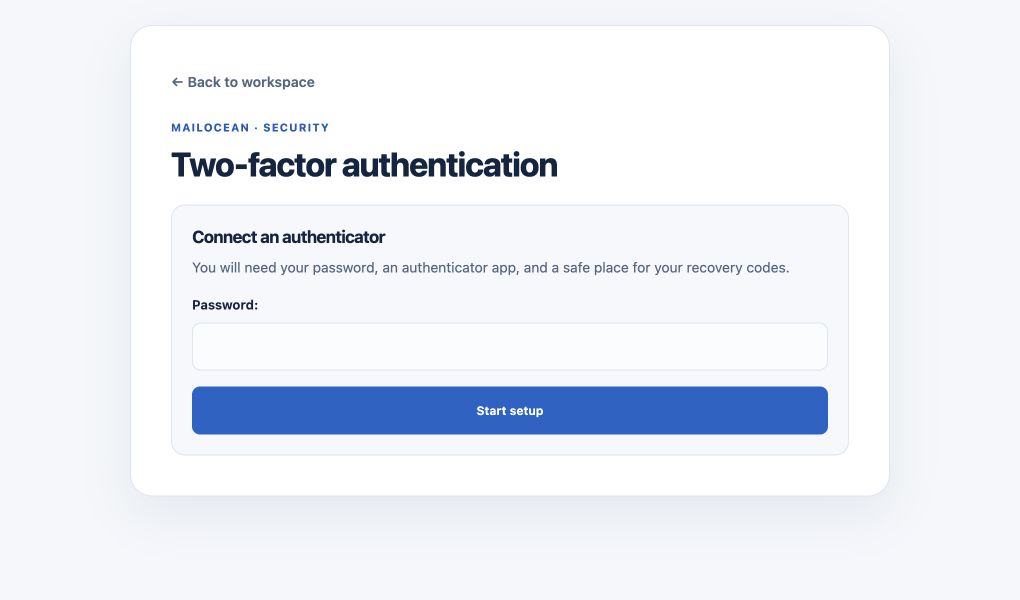
Use Two-factor authentication in the customer portal to connect an authenticator app. Store recovery codes securely; each code can be used once.
- Open Two-factor authentication in the customer portal.
- Add the setup in your authenticator app and activate it with the app’s code.
- Store any recovery codes securely in a separate place; each code can be used once.
API security
Store the token only on the authorized WHMCS server and restrict it to the necessary IPs. Rotate it and update integrations if exposure is suspected. Do not send mailbox passwords to OceanMail support.
- Keep the token only on the authorized WHMCS server and allowlist its actual outbound IP.
- If compromise is suspected, rotate the token, update WHMCS and test connectivity.
- Do not include passwords, MFA codes or API tokens in tickets, chats or screenshots.